
How to Stake TRX: Energy, Bandwidth and Voting Rewards
Staking TRX allows a holder to commit tokens to TRON's Stake 2.0 system and receive Energy or Bandwidth, plus voting rights called TRON Power. These resources can reduce the TRX burned during transactions, while voting may make the holder eligible for rewards distributed by a Super Representative.
Staking does not guarantee passive income or permanently free transactions. Resource allocation changes with network conditions, voting rewards depend on the selected representative, and unstaked TRX currently passes through a pending period before withdrawal.
This guide covers the complete user journey: choosing a resource, staking, voting and unstaking.
What Does Staking TRX Mean?
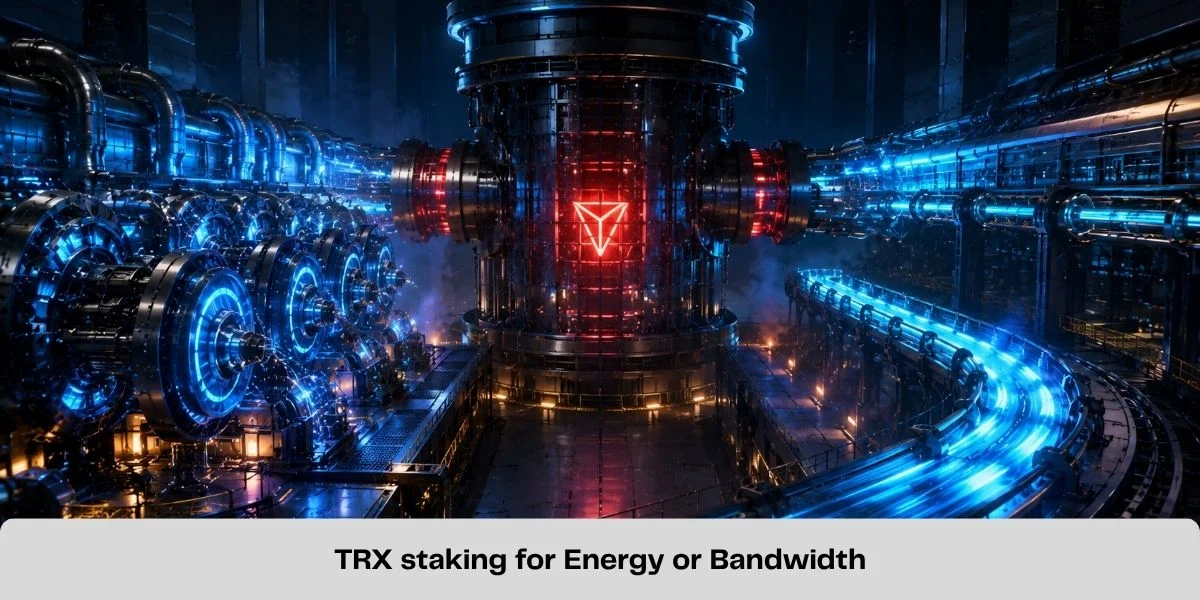
Staking TRX means locking a chosen amount of TRX to obtain network resources. The tokens remain associated with the owner's account but cannot be transferred or sold while staked.
When creating a position, the user selects:
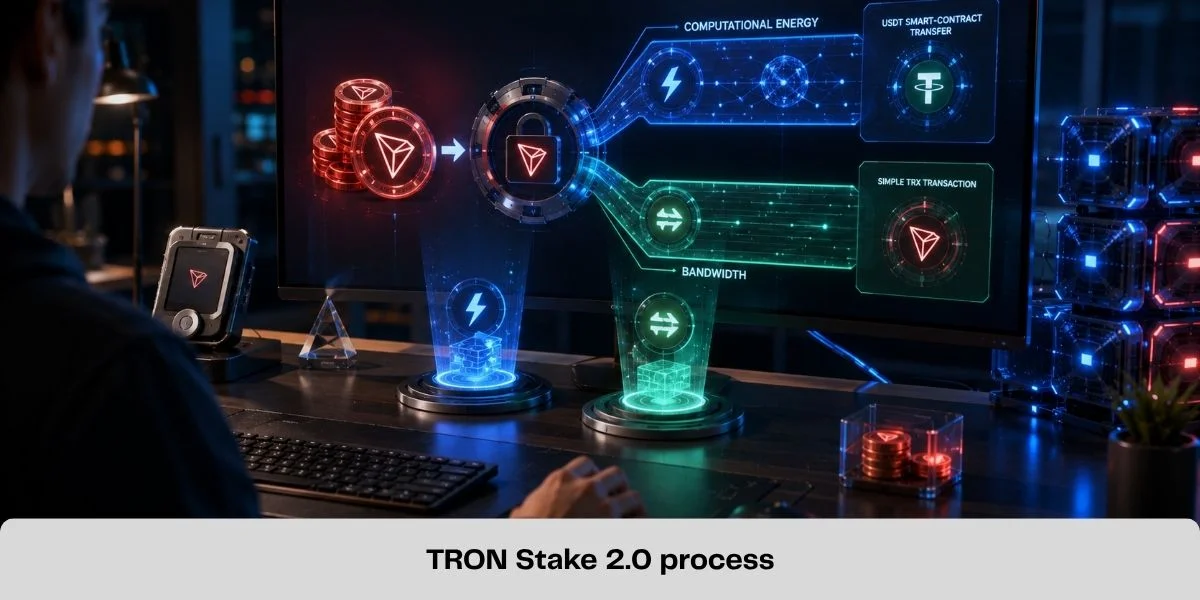
- Energy for smart-contract computation, including TRC20 USDT transfers, swaps and dApp interactions; or
- Bandwidth for the transaction data recorded on the network.
Staking also creates TRON Power (TP). Under the protocol, 1 staked TRX produces 1 TP, which can be used to vote for Super Representatives.
What Do You Receive When You Stake TRX?
| Benefit | Purpose | Limitation |
|---|---|---|
| Energy | Covers smart-contract computation | Allocation changes with network-wide Energy staking |
| Bandwidth | Covers transaction data size | Does not replace Energy for contract execution |
| TRON Power | Enables voting for Super Representatives | It is a voting right, not a spendable token |
| Voting rewards | May be distributed by the selected SR | Rate and claiming rules vary |
Energy, Bandwidth and voting rewards are separate. Merely staking TRX does not automatically credit a fixed token yield. For a deeper explanation of resources, read TRON Energy and Bandwidth Explained.
How Stake 2.0 Works
The Stake 2.0 lifecycle is straightforward:
- Stake TRX for Energy or Bandwidth.
- Receive the selected resource and an equivalent amount of TP.
- Use the resource, vote with TP or delegate unused resources.
- Initiate unstaking when the position is no longer required.
- Withdraw the TRX after the pending period ends.
Resource allocation is proportional. A fixed daily pool is shared among accounts according to their portion of all TRX staked for that resource. Therefore, the amount generated by a given TRX stake can change over time.
Stake 2.0 also separates staking, delegation and unstaking into distinct operations. Legacy Stake 1.0 positions may still exist, but new users should follow the current Stake 2.0 workflow in their wallet.
For instructions on assigning resources to another address, use the dedicated Stake 2.0 resource delegation guide.
Should You Choose Energy or Bandwidth?
Choose the resource based on the wallet's actual activity.
Choose Energy if the wallet regularly:
- sends TRC20 USDT;
- executes swaps;
- interacts with smart contracts or dApps.
Choose Bandwidth if the wallet mainly:
- sends native TRX;
- broadcasts basic transactions;
- needs additional transaction-data capacity.
A USDT transfer normally consumes both Bandwidth and Energy. Staking only for Bandwidth does not provide the computation required by the USDT contract.
Before locking a large amount for USDT transfers, estimate current demand using the TRON Energy Calculator. Do not assume that an old "TRX required" figure will remain accurate.
How to Stake TRX Step by Step
1. Use a compatible self-custody wallet
Choose a trusted wallet or interface that supports Stake 2.0. Confirm the official application or domain before approving a transaction. Exchange staking products may operate under different terms from native staking.
2. Decide how much TRX can remain illiquid
Do not stake funds needed for near-term payments, trading or emergencies. Keeping a small liquid TRX balance can help cover resource shortfalls and other on-chain operations.
3. Open the Stake 2.0 section
Select the wallet's staking or resources feature and confirm the originating account and TRON network.
4. Choose Energy or Bandwidth
Select the resource that matches actual transaction activity. For frequent TRC20 transfers, Energy is usually the relevant choice.
5. Enter the amount and review the estimate
Enter the TRX amount you are prepared to lock. Treat the displayed resource allocation as a current estimate, since network-wide staking can change it.
6. Sign and verify
Review the amount, resource type and account, then sign the staking transaction. After confirmation, verify the staked balance, available resource and TP in the wallet or on TRONSCAN.
If you want voting rewards, assign the resulting TP separately to one or more Super Representatives.
How Voting Rewards Work
Super Representatives participate in block production and governance. TRX holders can use TP to vote for them, and an SR may share part of its rewards with voters.
Before voting, examine:
- the current reward-sharing policy;
- block-production and participation history;
- distribution and claiming rules;
- operational reliability and governance activity.
Voting rewards are not a universal staking APY. The rate and claiming process can vary by SR and change over time. Some wallet interfaces require manual claiming, so confirm the current process instead of assuming rewards automatically become liquid.
The economic value of staking may combine avoided TRX burn and voting rewards, but both depend on actual usage and current conditions:
Estimated value = voting rewards + avoided resource burn − opportunity cost − operational costs
Avoided burn matters only when the account uses the generated resources. An idle Energy balance does not automatically create a saving.
How to Unstake TRX
Under Stake 2.0, users can initiate partial or complete unstaking, but funds are not immediately liquid.
The usual process is:
- Initiate unstaking for the chosen position.
- The associated resource and TP are reclaimed.
- Wait through the network's pending period.
- Withdraw the expired unstaked balance.
Official documentation currently specifies a 14-day pending period. This is a governance-controlled parameter, so verify it in the wallet or current TRON documentation before acting.
TRX supporting an active resource delegation must first have that delegation resolved. Stake 2.0 also supports canceling eligible unstaking operations that remain within the pending period.
Risks and Trade-Offs
- Liquidity: staked TRX cannot be sold immediately, and unstaking includes a waiting period.
- Price exposure: resources and voting rewards do not protect against a decline in TRX price.
- Opportunity cost: locked capital cannot be used for payments, trading or another strategy.
- Variable resources: Energy or Bandwidth generated per TRX can change with network-wide staking.
- Resource shortfalls: staking does not guarantee every transaction will be fully covered.
- Reward uncertainty: SR performance and reward-sharing policies can change.
- Wallet security: fake applications, malicious permissions and exposed recovery phrases can compromise the account.
Staking TRX vs Renting Energy
| Factor | Staking TRX | Renting Energy |
|---|---|---|
| Capital | Requires owning and locking TRX | Pays for temporary delegated resources |
| Best suited to | Recurring and predictable demand | Occasional or variable demand |
| Liquidity | Subject to unstaking conditions | No large stake required |
| Voting rights | Produces TP | Does not transfer the provider's TP |
| Main trade-off | Price and opportunity cost | Provider, duration and pricing |
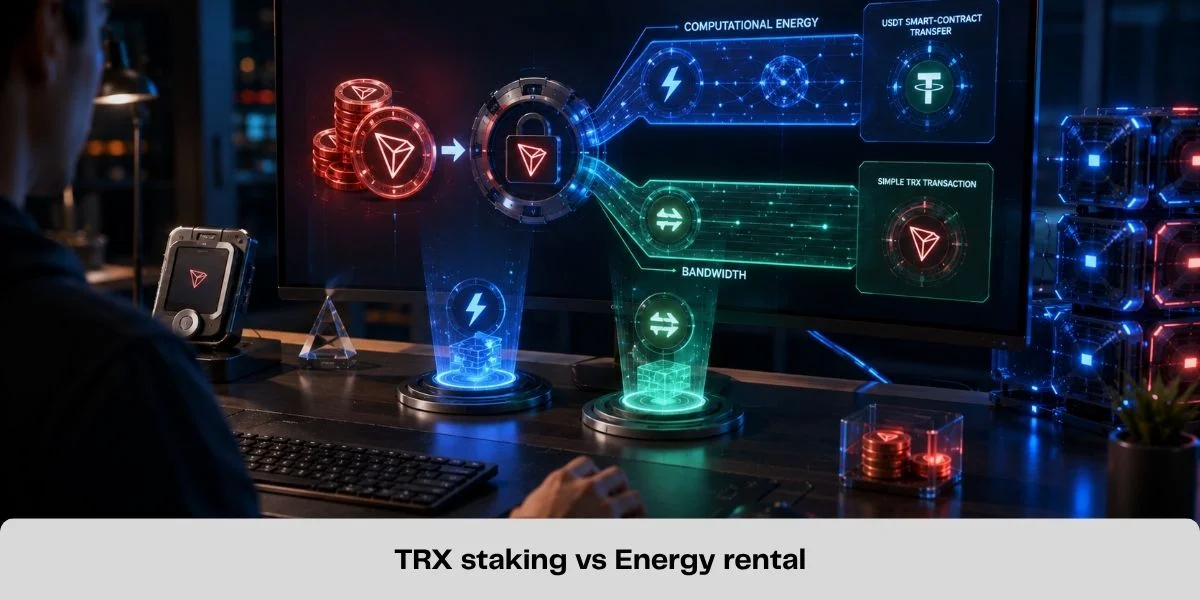
Staking may fit long-term TRX holders who regularly consume resources. Rental may fit users who prefer liquidity or need Energy only occasionally.
For the full decision framework, read TRON Energy Rental vs Staking TRX. Users choosing temporary resources can rent TRON Energy after checking the live amount, duration and price.
Common TRX Staking Mistakes
- expecting a fixed passive income merely from staking;
- promising "zero fees" without checking available resources;
- selecting Bandwidth for USDT contract execution;
- staking every available TRX and keeping no liquid buffer;
- ignoring the current unstaking delay;
- receiving TP but never assigning votes;
- following outdated Stake 1.0 instructions;
- treating historical resource estimates as permanent.
Frequently Asked Questions
Does staking TRX earn interest automatically?
No. Staking generates Energy or Bandwidth and TP. Token rewards generally depend on voting for an SR and that representative's current policy.
Does staking make USDT transfers free?
Not necessarily. Available Energy may cover some or all execution costs, but TRX can still be burned when resources are insufficient. Bandwidth also applies.
How long does unstaking take?
Current official documentation specifies a 14-day pending period before withdrawal. Recheck the current governance parameter before unstaking.
Can I delegate Energy generated by staking?
Yes. Unused Stake 2.0 Energy or Bandwidth can be delegated to an activated external account. The underlying TRX and voting rights remain with the staking account.
Can I unstake only part of my TRX?
Yes, subject to current protocol limits and any active resource delegation supported by that position.
Is staking better than renting Energy?
It depends on transaction frequency and capital. Staking generally suits recurring demand and long-term holders; rental may be more practical for occasional or variable use.
Is Staking TRX Worth It?
Staking can make sense when you already plan to hold TRX, regularly consume Energy or Bandwidth and are comfortable voting for an SR. In that case, resources and potential voting rewards can create practical value from the position.
It may be inefficient when Energy is needed only occasionally, immediate liquidity matters or a large TRX position would be locked merely to cover a small number of transfers.
Base the decision on current resource demand, the required stake, expected voting rewards, the unstaking constraint and the opportunity cost of locked capital-not promises of guaranteed income or permanently free transactions.
Official TRON Resources
Related Guides
How to Send USDT on TRON Without TRX for Network Fees
Learn how to send USDT on TRON without burning TRX for network fees by using TRON Energy. Check the required Energy and reduce TRC20 transfer costs.

Best TRON Wallets for TRX, USDT and Energy Management
Compare five TRON wallets for TRX, USDT and Energy management: TronLink, SafePal, imToken, Trust Wallet and Ledger with TronLink.
How Much Energy Does a USDT Transfer Require on TRON?
A TRON USDT transfer commonly needs about 65,000 or 131,000 Energy. Learn what determines the amount and how to estimate your shortfall.
How to Delegate TRON Energy with Stake 2.0
Learn how TRON Stake 2.0 resource delegation works, which resources can be delegated, wallet requirements, lock periods and how to undelegate safely.