
How to Send USDT on TRON Without TRX for Network Fees
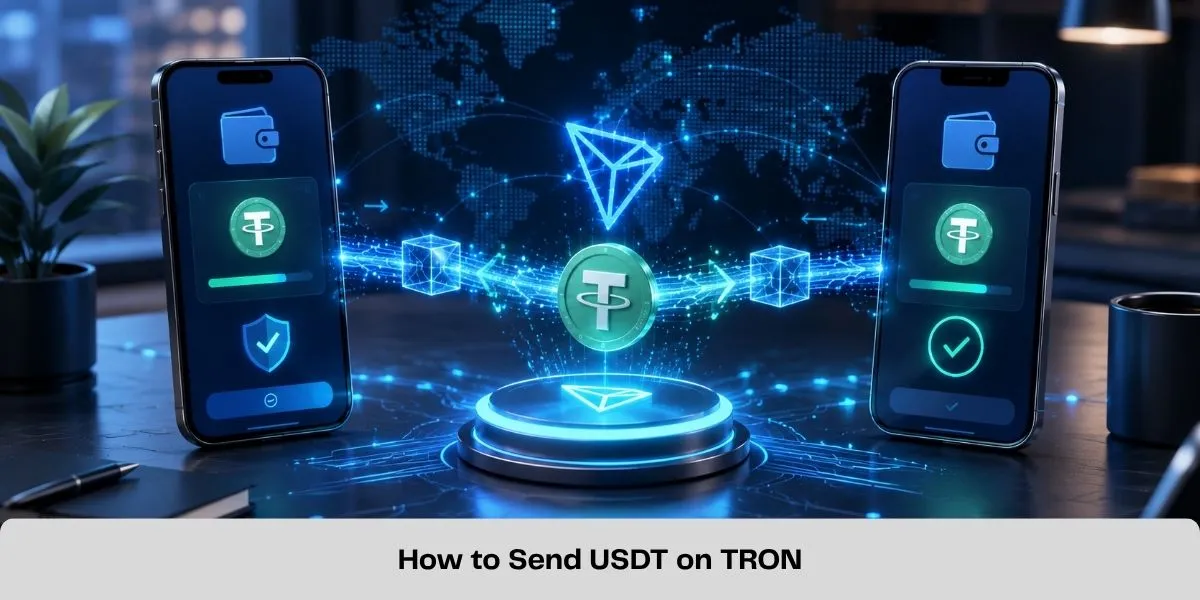
Yes, you can send USDT on TRON without burning TRX for the network fee if your sending wallet already has enough TRON Energy and Bandwidth to cover the transaction.
A TRC20 USDT transfer uses network resources. If your wallet does not have enough Energy, TRON can burn TRX to cover the missing resources. Instead, you can use staked or delegated Energy before sending.
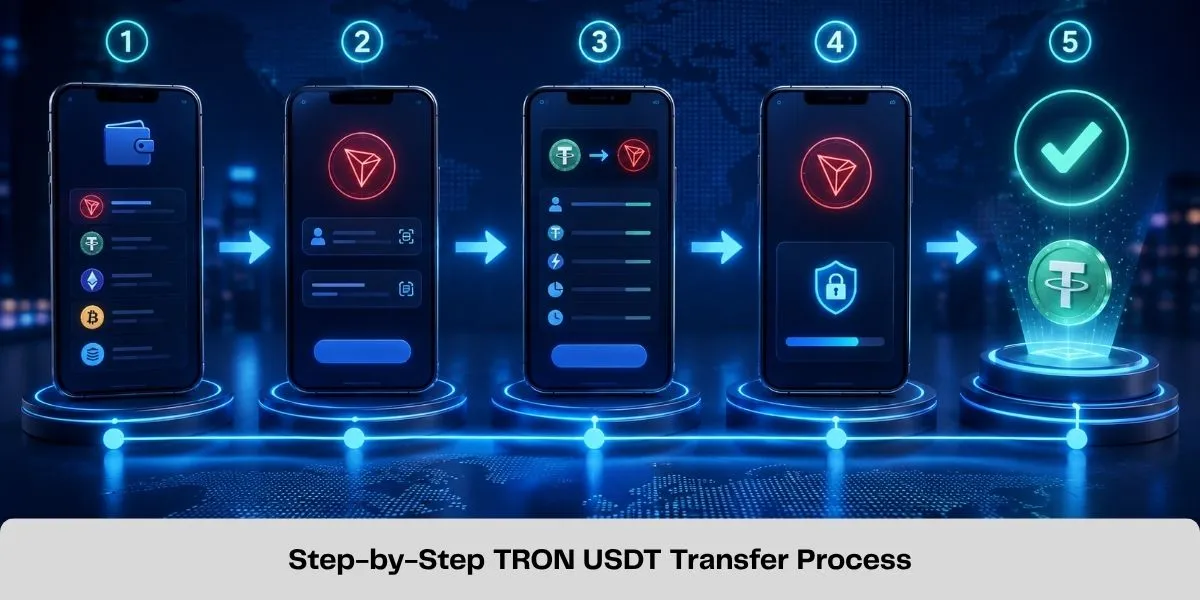
The basic process is:
- Confirm that the recipient supports USDT on TRON (TRC20).
- Check the recipient address.
- Estimate the Energy required for the transfer.
- Make sure the sending wallet has enough Energy.
- Send the USDT.
- Verify the transaction on-chain.
Can You Send USDT Without TRX on TRON?
You do not necessarily need to burn TRX every time you send USDT.
TRC20 transfers consume two TRON resources:
• Bandwidth for transaction data. • Energy for executing the USDT smart contract.
If the sending wallet has enough resources, the transaction can be executed without burning TRX for the missing Energy. Energy can come from staking TRX or from Energy delegated to your wallet. If you do not have enough Energy, use the TRON Energy Calculator before sending to estimate the current requirement.
How to Send USDT on TRON Without Paying the Network Fee in TRX
1. Make Sure the Recipient Supports TRC20 USDT
Check that the receiving wallet, exchange or payment platform accepts USDT on the TRON network.
Do not send TRC20 USDT to an ERC20, BEP20 or another unsupported network simply because the asset is also called USDT. Copy the recipient address directly and verify it before continuing.
2. Check the Required TRON Energy
Sending USDT is a smart-contract transaction, so it requires Energy. The exact requirement is not permanently fixed. It can vary depending on the recipient address, contract state and TRON's dynamic Energy model.
Instead of relying on an old fixed number, calculate the requirement using the TRON Energy Calculator immediately before sending.
This is especially important when the receiving address has never held USDT before, because the transaction may require more resources.
3. Get Energy Before Sending
If your wallet does not have enough Energy, you have three main options:
• Stake TRX and receive network resources. • Receive delegated Energy from another account. • Let the network burn TRX for the resource shortfall.
If your goal is to send USDT without burning TRX for the network fee, the sending wallet needs sufficient Energy before the transaction is broadcast.
You can buy TRON Energy and have it delegated to the wallet that will send the USDT.
Do not send the Energy to the recipient. The resource must be available to the sending address. For a broader comparison of staking, Energy and direct TRX burn, see How to Reduce TRC20 Fees.
4. Confirm That the Energy Has Arrived
Before sending USDT, check the resources available to the sending address. Do not broadcast the transaction first and rent Energy afterward. Energy received after execution cannot cover a transaction that has already been processed.
Once the required Energy is available, open your wallet and select USDT.
5. Send the USDT
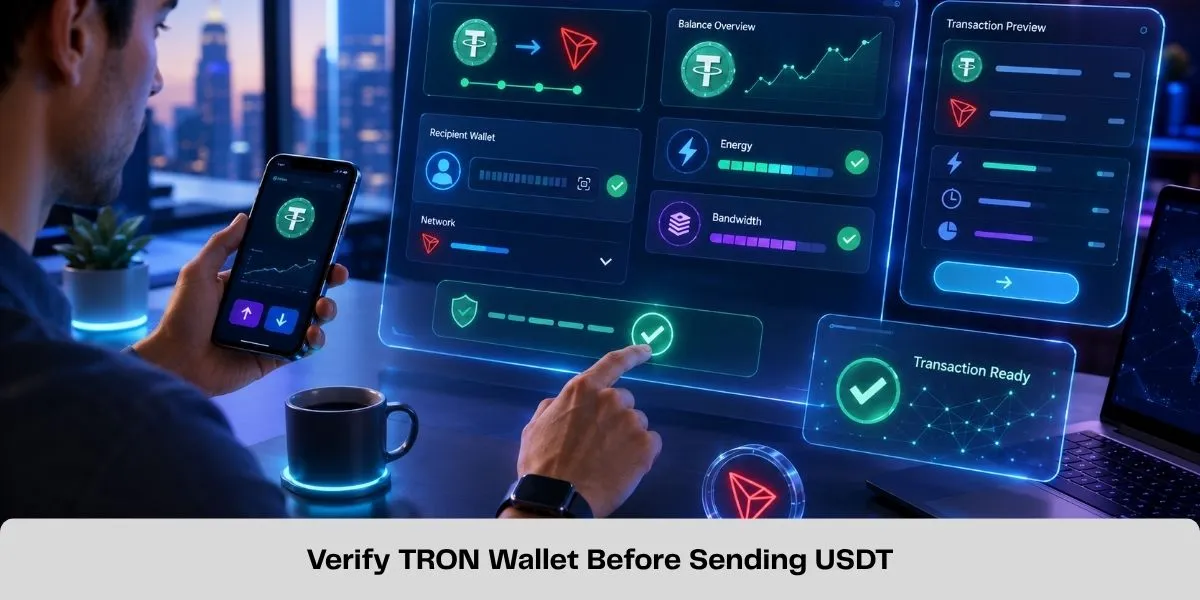
Enter the recipient's TRON address and the amount you want to send. Before confirming, check:
• USDT is being sent through TRON/TRC20. • The recipient address is correct. • The amount is correct. • The sending wallet has enough Energy. • Any exchange-specific deposit requirements have been followed.
Then sign and broadcast the transaction. For a new or high-value destination, consider sending a small test transaction first.
Why Does TRON Charge TRX When I Send USDT?
TRX is normally burned when your account does not have enough network resources to execute the transaction. USDT itself cannot directly pay for TRON Energy.
For example, having $1,000 USDT in a wallet does not mean that wallet automatically has the resources required to send it. The wallet still needs Energy and Bandwidth or enough TRX to cover the resource shortfall.
This is why preparing Energy before the transaction can reduce the amount of TRX burned.
How Much Energy Does a USDT Transfer Need?
There is no single permanent Energy requirement for every USDT transfer. The amount can change based on the receiving account and TRON's dynamic Energy model. This is also why using an old fixed Energy estimate can produce incorrect fee calculations.
Use a live estimate immediately before the transaction rather than assuming every transfer costs the same amount.
What If the USDT Transfer Fails?
Save the transaction ID (TXID) and check the transaction on TRONSCAN.
If the transaction shows FAILED - OUT OF ENERGY, do not immediately submit the same transaction again. Another failed attempt may consume additional resources. Check the available Energy and transaction receipt first.
See the full TRON Out of Energy error guide if the transaction failed because of insufficient resources.
Exchange vs Self-Custody Wallet
If you withdraw USDT from a centralized exchange, the exchange normally determines the withdrawal fee and manages the underlying network resources itself.
The situation is different when sending USDT directly from a self-custody wallet. In a self-custody wallet, you control the address and transaction resources. That means you can prepare Energy before sending instead of automatically covering a resource shortfall by burning TRX.
So the method described in this guide mainly applies to self-custody TRON wallets.
FAQ
Can I send USDT TRC20 without having TRX?
Yes, if the sending wallet has enough Energy and Bandwidth to execute the transaction. The Energy may come from staking or delegation.
Can USDT pay the TRON network fee?
No. USDT itself does not provide the Energy required to execute its TRC20 smart contract. The wallet needs network resources or TRX to cover any resource shortfall.
Should I rent Energy before or after sending USDT?
Before. The required Energy must be available to the sending address when the transaction executes.
Why did my wallet still burn TRX after I received Energy?
The wallet may not have received enough Energy to cover the full transaction, or the actual resource requirement may have differed from the estimate. Check the transaction receipt and actual Energy consumption.
Does the recipient need TRX to receive USDT?
Generally, the recipient does not need TRX simply to receive an incoming USDT transfer. The sending account is responsible for executing the transfer.
Related Guides
Best TRON Wallets for TRX, USDT and Energy Management
Compare five TRON wallets for TRX, USDT and Energy management: TronLink, SafePal, imToken, Trust Wallet and Ledger with TronLink.
How Much Energy Does a USDT Transfer Require on TRON?
A TRON USDT transfer commonly needs about 65,000 or 131,000 Energy. Learn what determines the amount and how to estimate your shortfall.
How to Delegate TRON Energy with Stake 2.0
Learn how TRON Stake 2.0 resource delegation works, which resources can be delegated, wallet requirements, lock periods and how to undelegate safely.
How to Stake TRX: Energy, Bandwidth and Voting Rewards
Learn how to stake TRX with Stake 2.0, choose Energy or Bandwidth, vote for Super Representatives and unstake safely.