
Best TRON Wallets for TRX, USDT and Energy Management
The best TRON wallet depends on what you need to do. A user who regularly manages Energy, stakes TRX or interacts with TRON dApps has different requirements from someone who only holds TRX across several networks.
For native TRON resource control, TronLink is the strongest overall choice. SafePal is useful for users who want an integrated Energy-leasing workflow, while imToken and Trust Wallet offer broader mobile and multi-chain convenience. For larger balances, Ledger with TronLink adds hardware-backed signing without giving up a TRON-native interface.
This comparison focuses on practical TRON usage: TRX and TRC20 support, Energy and Bandwidth visibility, Stake 2.0 access, delegated-resource compatibility and wallet security.
Quick Comparison of the Best TRON Wallets
| Wallet | Best for | Main strength | Main limitation |
|---|---|---|---|
| TronLink | Native TRON users | Deep resource, staking and dApp support | Less useful for users focused on many chains |
| SafePal | Integrated Energy leasing | Documented Energy and Bandwidth leasing workflow | Some features depend on the current app and service availability |
| imToken | Mobile TRON transfers | Clear TRON support and practical Energy guidance | Resource controls are less TRON-specific than TronLink |
| Trust Wallet | Mainstream multi-chain users | Familiar interface and broad asset support | Energy details may be less visible than in a native TRON wallet |
| Ledger with TronLink | Hardware-backed TRON management | Keys remain on a hardware device | More setup and signing steps |
No single wallet is best for every user. The right choice depends on whether the priority is resource control, convenience, multi-chain access or stronger key protection.
What Makes a Wallet Good for TRON Energy?
Supporting TRX is only the starting point. A wallet used for regular TRON transactions should offer:
- clear visibility into Energy and Bandwidth;
- a useful transaction and fee preview;
- TRC20 USDT and smart-contract support;
- Stake 2.0 or compatible resource-management access;
- compatibility with delegated Energy assigned to the wallet address;
- self-custody and secure recovery controls;
- hardware-wallet support when larger balances are involved.
Delegated Energy belongs to the TRON account address, not to a specific mobile application. However, wallets differ in how clearly they show resources and how easily users can manage staking, delegation and dApp interactions.
1. TronLink: Best Overall for TRON Resources
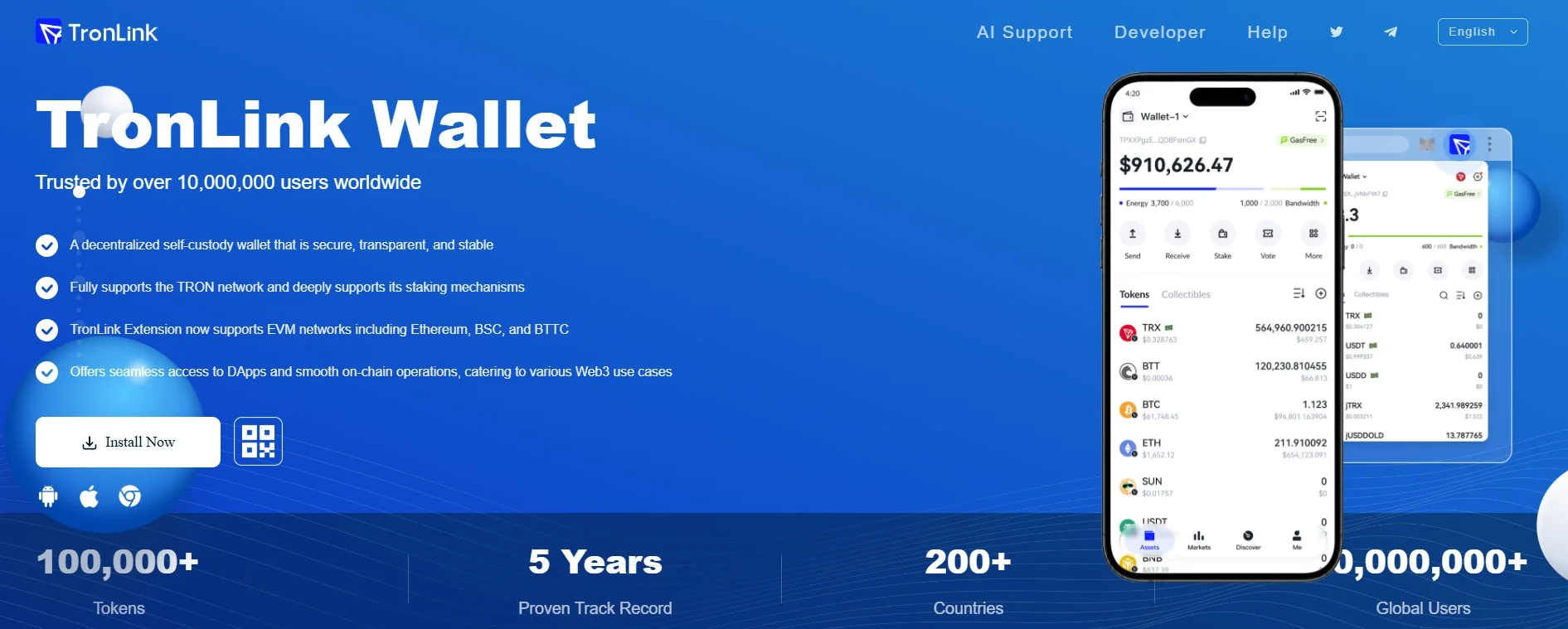
TronLink is the strongest general choice for users who work primarily inside the TRON ecosystem. It provides a TRON-native interface for TRX, TRC20 tokens, dApps, staking, voting and resource management.
Its main advantage is visibility. Users can inspect Energy and Bandwidth, review account resources and access Stake 2.0 functions without relying on a generic multi-chain interface. TronLink also supports Ledger integration, allowing users to combine hardware signing with native TRON controls.
TronLink is best for frequent USDT users, TRX stakers, Energy providers and anyone interacting regularly with TRON applications. Its main limitation is that users seeking a single wallet for many unrelated networks may prefer a broader multi-chain product.
Best for: native TRON resource management and dApp access.
2. SafePal: Best for Built-In Energy Leasing
SafePal is a multi-chain wallet with a documented TRON Energy and Bandwidth leasing workflow. This makes it relevant to users who want to obtain temporary resources from inside a familiar wallet environment instead of managing every step separately.
The wallet also supports TRX and TRC20 assets and is available across software and hardware-wallet products. Its broader multi-chain design may appeal to users who want TRON functionality without maintaining a dedicated TRON-only wallet.
The main limitation is that integrated leasing features, supported regions, prices and interface details can change. Users should check the current app version and transaction permissions before using the service.
Best for: users who value an integrated Energy-leasing workflow.
3. imToken: Best for Mobile TRON Transfers
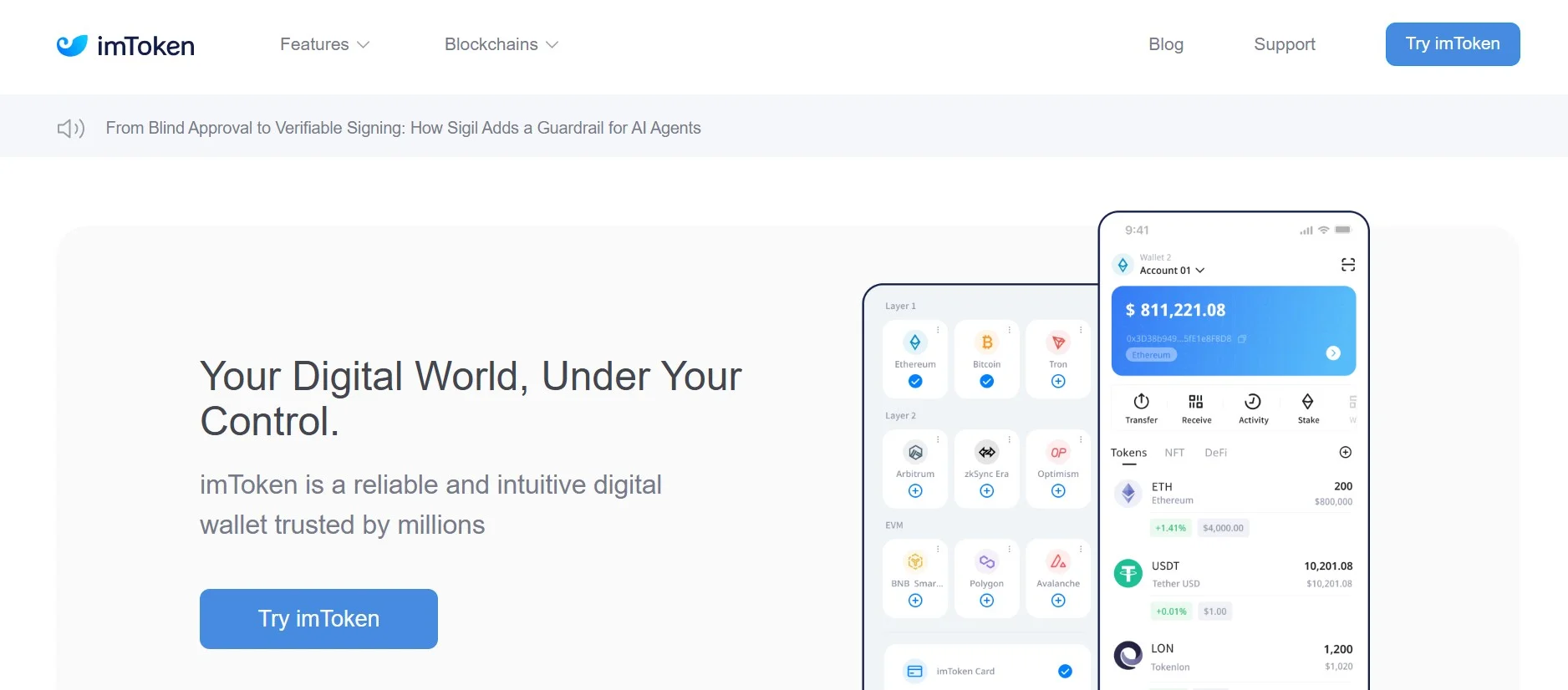
imToken is an established mobile wallet with TRON and TRC20 support. Its official guidance includes practical explanations of TRON Energy and lower-cost USDT transfer workflows, which makes it suitable for users who want a mobile-first experience.
It offers a broader multi-chain environment than TronLink while retaining useful TRON support. For ordinary token storage and transfers, that balance may be more convenient than switching between several wallet applications.
Users who need advanced delegation or detailed Stake 2.0 operations should verify that the current interface exposes the controls they require. A documented transfer workflow does not automatically mean every provider or resource-management feature is built into the wallet.
Best for: mobile users making regular TRON and TRC20 transfers.
4. Trust Wallet : Best Mainstream Multi-Chain Option
Trust Wallet is one of the most familiar self-custody wallets for users holding assets across multiple blockchains. It supports TRX, TRC20 tokens and TRON staking while providing a consistent interface for a broad portfolio.
Its main strength is accessibility. A user who already manages other networks in Trust Wallet may not need to install another application simply to hold or send TRX and USDT.
The trade-off is that TRON-specific resource details may be less prominent than in TronLink. Before sending USDT, users should inspect the transaction preview and confirm that delegated Energy is available to the sending address.
Best for: users who want one mainstream wallet for TRON and other networks.
5. Ledger with TronLink: Best Hardware-Backed Setup
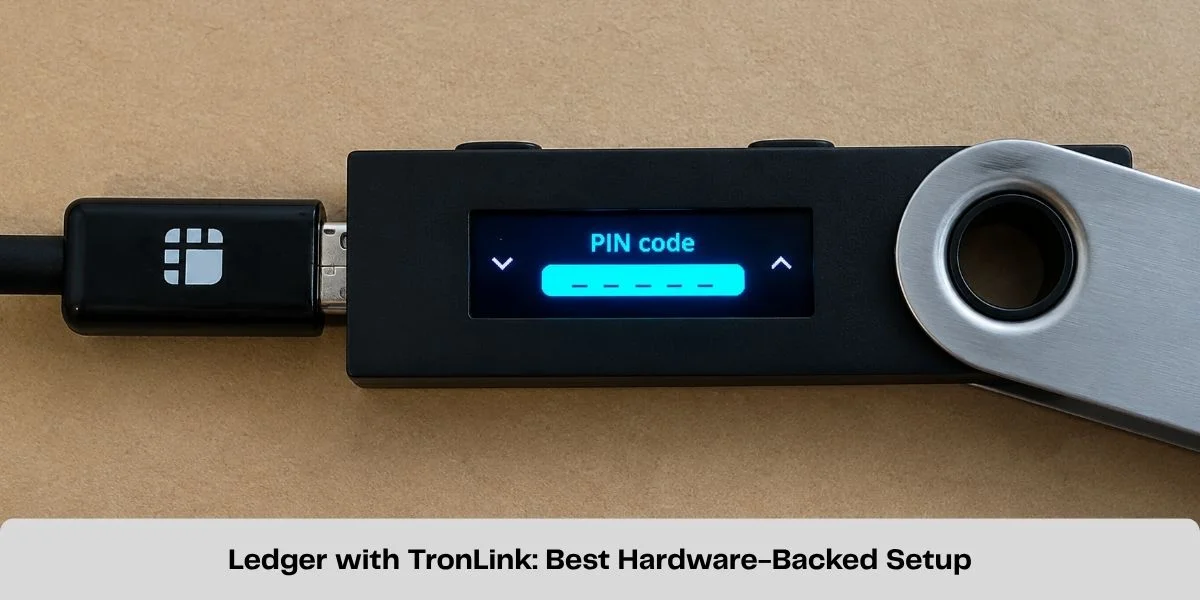
Ledger is best treated as a security layer rather than a complete TRON Energy interface. When used with TronLink, private-key operations remain on the hardware device while TronLink supplies the account, staking and resource-management interface.
This setup is useful for larger balances, long-term TRX holders and users who want stronger signing protection. The private key does not need to be stored in a software-only wallet, but the user can still interact with TRON-specific features through TronLink.
The limitation is convenience. Hardware confirmation adds steps, and users must carefully verify addresses and transaction details on the device. Ledger Live alone may not expose every Stake 2.0 or resource-management workflow required by advanced users.
Best for: larger TRON balances and hardware-backed transaction signing.
Does the Wallet Change USDT Energy Requirements?
No. The wallet does not change the Energy required by the USDT smart contract. Recipient state, contract execution and current network parameters determine resource consumption.
A better wallet can still reduce mistakes by showing available resources, producing a clearer fee preview and providing access to staking or delegated Energy workflows.
Before sending, check how much Energy a USDT transfer requires and compare that estimate with the sending wallet's available balance.
Centralized exchange deposit addresses should not be treated as self-custody wallets. Users generally cannot manage the exchange's Energy, Bandwidth or account permissions, even when the exchange assigns a deposit address to them.
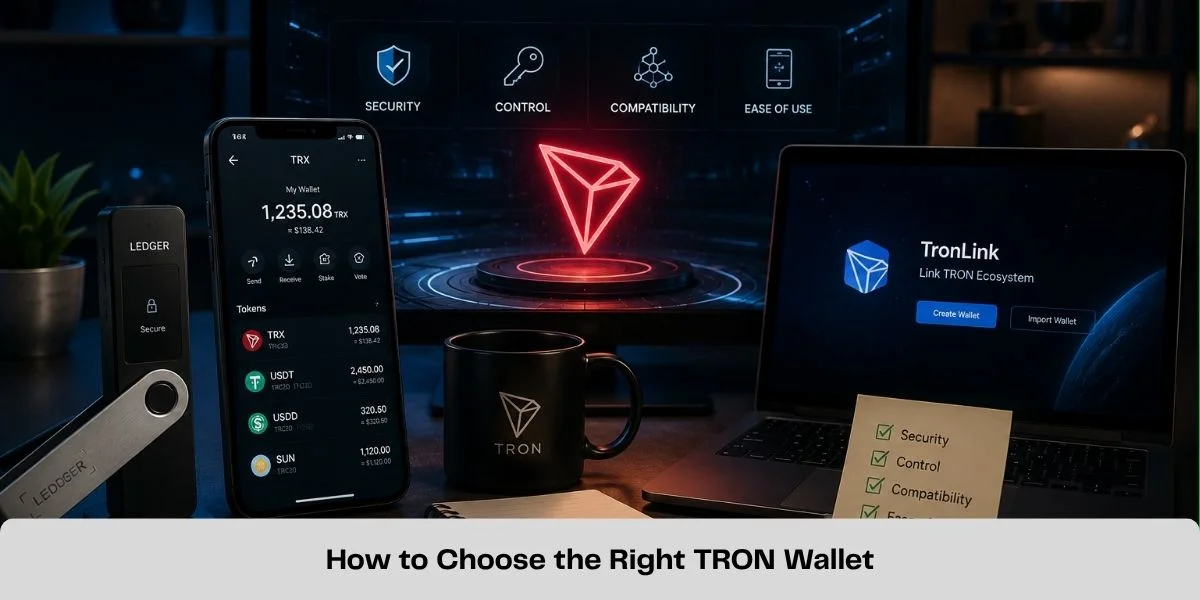
How to Choose the Right TRON Wallet
Choose TronLink if native resource control, staking or TRON dApps are the priority.
Choose SafePal if you want a documented in-wallet Energy-leasing workflow alongside multi-chain support.
Choose imToken if you prefer a mobile-first wallet with practical TRON transfer guidance.
Choose Trust Wallet if you already manage several networks and need straightforward TRX and TRC20 support.
Choose Ledger with TronLink if hardware-backed signing matters more than maximum convenience.
Security Checklist
- Download wallets only from their official website or verified app-store listing.
- Store the recovery phrase offline and never send it to an Energy provider.
- Review the TRON network, token contract, recipient and amount before signing.
- Inspect token approvals and account-permission changes carefully.
- Test unfamiliar workflows with a smaller amount first.
- Keep wallet and device software updated through official channels.
Receiving delegated Energy normally requires only a public TRON address. A basic resource order should not require an unrelated unlimited USDT approval or private key. Read the TRON Energy rental safety guide before using an unfamiliar platform.
Frequently Asked Questions
What is the best TRON wallet overall?
TronLink is the strongest overall choice for native TRON resource management, staking, voting and dApp access.
Which wallet is best for TRC20 USDT?
TronLink is best for detailed TRON controls. SafePal may suit integrated Energy leasing, while Trust Wallet and imToken are convenient multi-chain mobile options.
Does changing wallet apps remove my Energy?
No. Energy is associated with the TRON account address. Restoring the same account in another compatible wallet does not create a new on-chain resource balance, although importing a seed phrase increases security exposure.
Can delegated Energy work with Trust Wallet?
Delegated Energy is assigned to the TRON address. If Trust Wallet controls that address and broadcasts a compatible transaction, the network can apply the available resource. Check the current resource and fee preview before sending.
Is Ledger the best wallet for managing TRON Energy?
Ledger is best for protecting keys. Used with TronLink, it combines hardware signing with a TRON-native management interface.
Final Recommendation
Choose TronLink for the most complete TRON experience, SafePal for integrated resource leasing, imToken for mobile TRON transfers, Trust Wallet for mainstream multi-chain convenience and Ledger with TronLink for hardware-backed signing.
Whichever wallet you choose, check the sending address, available Energy and transaction preview before sending USDT. Users covering a resource shortfall through delegation can buy TRON Energy after reviewing the current amount, duration and price.
Official Wallet Sources
TronLink
SafePal Energy and Bandwidth Leasing
imToken TRON Energy Guide
Trust Wallet TRON Guide
TRON Wallet Directory
Related Guides
How to Send USDT on TRON Without TRX for Network Fees
Learn how to send USDT on TRON without burning TRX for network fees by using TRON Energy. Check the required Energy and reduce TRC20 transfer costs.
How Much Energy Does a USDT Transfer Require on TRON?
A TRON USDT transfer commonly needs about 65,000 or 131,000 Energy. Learn what determines the amount and how to estimate your shortfall.
How to Delegate TRON Energy with Stake 2.0
Learn how TRON Stake 2.0 resource delegation works, which resources can be delegated, wallet requirements, lock periods and how to undelegate safely.
How to Stake TRX: Energy, Bandwidth and Voting Rewards
Learn how to stake TRX with Stake 2.0, choose Energy or Bandwidth, vote for Super Representatives and unstake safely.