
Is Renting TRON Energy Safe? A Practical Security Guide
Yes-renting TRON Energy through native resource delegation can be safe. Receiving delegated Energy does not give the provider ownership of your TRX, USDT or wallet, and it does not reveal your private key.
But that does not mean every website, bot or payment request offering Energy is safe. The delegation mechanism may be legitimate while the service around it is fraudulent, misleading or poorly operated. The most important security question is therefore not only "Is TRON Energy rental safe?" but also "What is this provider asking me to disclose, sign or pay?"
This guide explains the boundary between a normal Energy rental and a dangerous wallet request. It also shows beginners how to verify the provider, protect wallet permissions and confirm delivery before sending USDT.
The Short Answer: Delegation Is Safe, but the Service Still Matters
TRON Stake 2.0 allows an account that has staked TRX for resources to delegate unused Energy or Bandwidth to another activated external account. The receiving wallet can use that resource for transactions while the staked TRX remains under the delegator's ownership.
At the protocol level, ordinary resource delegation does not require the receiver to:
- disclose a private key or seed phrase;
- transfer custody of USDT or TRX;
- give the provider permission to move tokens;
- import a wallet into another application;
- share a wallet password.
The provider normally needs only the public TRON address that should receive the Energy. Public addresses are designed to be shared so that accounts can receive assets or resources.
The remaining risks come from the rental service, payment process, copied websites, malicious wallet approvals and user mistakes. These risks can be controlled when each step is independently verified.
What Happens When You Rent TRON Energy?
A resource provider stakes TRX and receives Energy. The provider then delegates an agreed amount of available Energy to the renter's activated TRON account for the offered period.
The renter does not receive the provider's TRX. Instead, the renter's account temporarily gains access to delegated network resources. When the renter executes a TRC20 smart-contract transaction, available Energy is consumed before TRX is burned for an uncovered resource shortfall.
At the end of the rental term, the provider can reclaim the delegated resource according to TRON's delegation rules and the service terms. Reclaiming Energy does not withdraw assets from the renter's wallet.
For a broader explanation of staking, delegation and rental duration, read What Is TRON Energy Rental?.
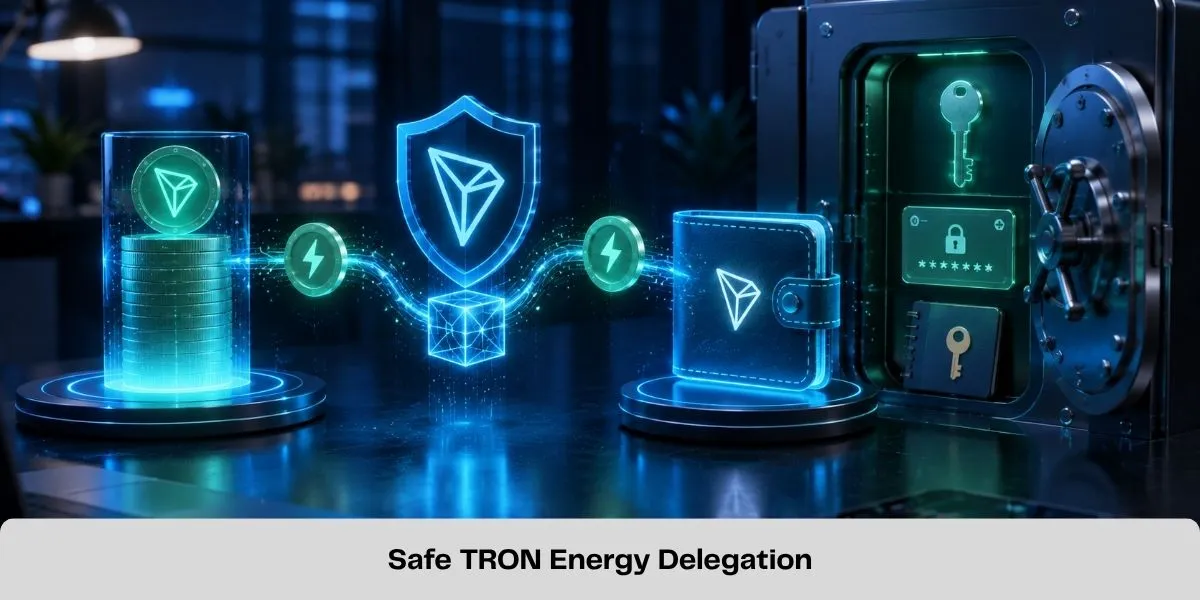
What an Energy Provider Can and Cannot Do
Understanding this boundary removes much of the confusion surrounding rental safety.
| Action | Can ordinary Energy delegation do this? |
|---|---|
| Add delegated Energy to your account | Yes |
| Reclaim its delegated resource when permitted | Yes |
| View your public address and public transactions | Yes-this information is already visible on-chain |
| Spend your USDT or TRX | No |
| Read your private key or seed phrase | No |
| Change your wallet password | No |
| Sign transactions as your wallet | No |
| Receive ownership of your wallet | No |
This table describes native resource delegation itself. A separate token approval, permission update or malicious signature can create additional authority. That is why users must evaluate every wallet prompt independently instead of assuming it is required for Energy delivery.
The Main Risks of Renting TRON Energy
1. Fake websites and impersonation
Scammers copy the design, name or support profile of a legitimate service and change the payment address. A visually convincing page is not proof that the domain is authentic.
Check the complete domain before paying. Treat sponsored results, shortened links, unsolicited direct messages and support accounts that contact you first as untrusted until independently verified.
2. Seed phrase or private-key theft
No legitimate Energy rental requires a seed phrase, private key, keystore file or wallet password. Anyone who obtains these credentials can control the wallet regardless of whether the supposed rental succeeds.
If a form, bot or support agent requests any of them, stop immediately.
3. Malicious token approvals
A malicious dApp may ask the user to approve a smart contract to spend USDT or another TRC20 token. That approval is different from receiving Energy.
Do not approve token spending merely because a page describes the action as "verification," "activation," "synchronization" or "unlocking Energy." Review the contract, token, amount and permission before signing.
4. Account-permission changes
TRON accounts can use owner and active permissions. A request to update account permissions may grant another key authority over future transactions. Ordinary Energy delegation does not require the renter to add the provider's key to the wallet.
Reject unexplained permission-update transactions.
5. Payment without delivery
An operator may receive TRX and fail to deliver the promised resource. This is a service and counterparty risk rather than a weakness in native delegation.
Before paying, confirm that the order shows the destination address, Energy amount, rental duration, total price and a clear failure or support process.
6. Wrong address or insufficient Energy
Energy must be delegated to the wallet that will send the USDT. Entering the recipient's address instead of the sending address will not fund the sender's smart-contract execution.
Underestimating the requirement can also leave the wallet with a shortfall, causing some TRX to be burned or the transaction to fail. Use current estimates rather than relying on an old package size.
7. False guarantees
Claims such as "100% risk-free," "guaranteed savings," "unlimited Energy" or a fixed delivery time should not replace verifiable order information. Network conditions, resource availability and service operations can change.
Safe Request vs Dangerous Request
| Normal rental information | Dangerous or unnecessary request |
|---|---|
| Your public TRON sending address | Seed phrase or private key |
| Required Energy amount | Wallet password or keystore file |
| Rental duration | Remote access to your phone or computer |
| Displayed TRX payment amount and address | Unexplained USDT spending approval |
| Order reference or transaction ID | Account owner/active permission update |
| Public TXID for verification | Importing your wallet into an unknown app |
Sharing a public address is not the same as connecting a wallet. Connecting a wallet is not automatically dangerous either, but it creates an opportunity for signature requests. Read the requested action rather than approving by habit.
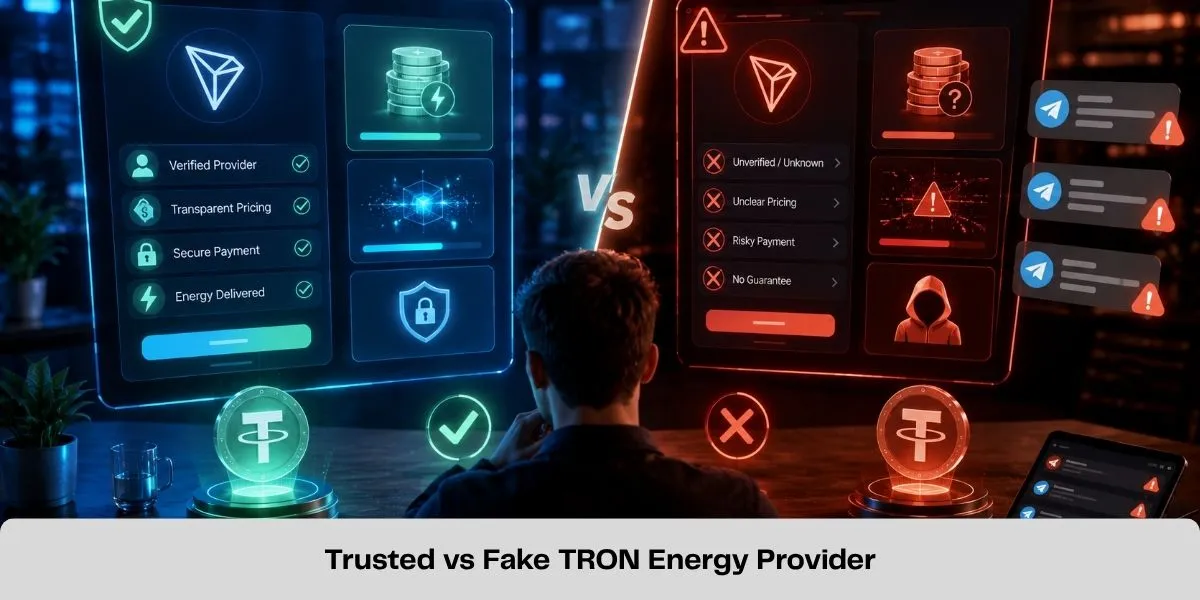 If you need a detailed framework for comparing pricing, fulfillment, availability and support, use How to Choose the Best TRON Energy Marketplace in 2026.
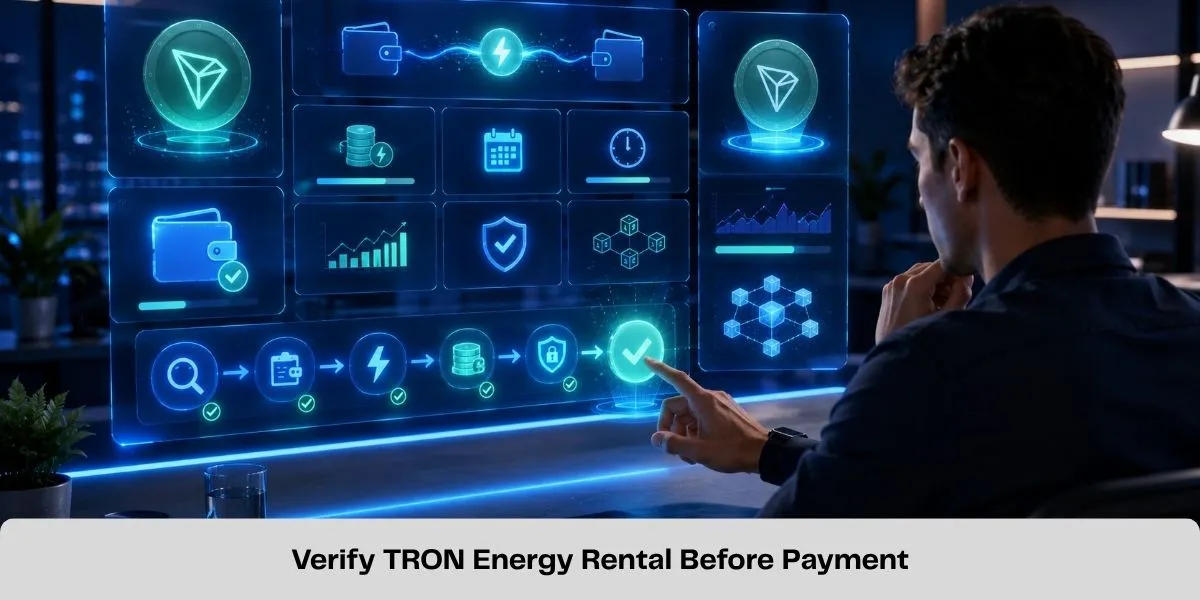
How to Rent TRON Energy Safely Step by Step
Step 1: Calculate the likely requirement
Estimate the Energy needed for the planned TRC20 transaction. Official TRON documentation provides approximate USDT examples around 64,000 Energy when the receiving address already has a USDT balance and around 130,000 when it does not. Actual consumption can change with contract and network parameters.
Use the TRON Energy Calculator as an estimate and check current conditions before ordering.
Step 2: Verify the service and domain
Type the official address yourself or use a saved bookmark. Check spelling carefully. Do not rely on a link supplied by an unknown Telegram, WhatsApp or social-media account.
Step 3: Enter only the public sending address
The Energy must reach the account that will execute the USDT transfer. A legitimate basic rental flow should not need the wallet's recovery credentials.
Step 4: Review the complete quote
Confirm the amount, duration, price, payment address and destination wallet. If the order terms are missing or change unexpectedly at checkout, pause the transaction.
Step 5: Pay using the displayed process
Check the address again inside the wallet before broadcasting payment. Malware and copied interfaces can replace clipboard contents, so compare at least the beginning and end of the address.
Step 6: Verify Energy independently
Do not rely only on a "success" message. Check the sending account's resource balance in a compatible wallet or blockchain explorer. Save any delegation or order record available.
Step 7: Send USDT after delivery
Only broadcast the TRC20 transaction after the required Energy is available. Energy delivered after a transaction has already executed cannot retroactively prevent that transaction's TRX burn.
Do You Need to Connect Your Wallet?
Not necessarily. A provider can delegate Energy using your public address, so a basic address-and-payment rental flow can work without connecting the wallet.
Some platforms may offer wallet connection to fill in the public address or make payment easier. Wallet connection alone does not reveal the private key, but the page may later request a signature. Treat each signature as a separate security decision.
If the service can complete the order with a public address and a normal TRX payment, an unrelated USDT approval should be considered suspicious until the provider clearly explains why it is needed.
How to Review a Wallet Signature or Approval
Before confirming any prompt, identify the transaction type and ask:
- Is this simply sending the displayed rental payment?
- Which address or smart contract will receive it?
- Is the prompt approving a TRC20 token spender?
- Is the allowance limited or unlimited?
- Is it changing owner or active account permissions?
- Does the transaction match the action I initiated?
Cancel the request if the wallet interface cannot explain it clearly. A transaction signature is not a harmless login confirmation; it can authorize an on-chain action.
If you previously granted an unnecessary token allowance, review it using a trusted explorer or wallet tool and revoke it when appropriate. If account permissions were modified, move quickly: inspect the permission structure and transfer assets to a newly secured wallet if control may be compromised.
 Blockchain transfers normally cannot be reversed. Preserve the TXID, screenshots, domain and conversation records. Contact the service you intended to use and any relevant exchange or wallet provider, but do not trust recovery agents who request an additional payment.
If you exposed a seed phrase or private key
Treat the wallet as compromised. Create a new wallet using trusted software on a secure device and move remaining assets as soon as safely possible. Do not continue using the exposed recovery phrase.
If you signed an unknown approval
Inspect the transaction and revoke the approval using a trusted tool if possible. For suspicious permission changes or uncertain wallet control, move assets to a fresh wallet and seek qualified technical assistance.
Is TronMax Safe to Use for Energy Rental?
TronMax is designed around public-address resource delegation: users specify the TRON address that should receive Energy and follow the current order flow. Users should never disclose a private key, seed phrase or wallet password to place an Energy order.
The platform also provides an Energy calculator, order interfaces and service information to help users verify what they are requesting. However, security still depends on using the official domain, reviewing the live quote, entering the correct sending address and confirming delivery before sending USDT.
Users who are ready to place an order can rent TRON Energy safely by following those checks and the current instructions displayed on the official TronMax website.
Frequently Asked Questions
Can an Energy provider steal my USDT?
Not through native Energy delegation alone. Delegation does not authorize the provider to transfer tokens. A provider could gain dangerous authority only through a separate compromise, such as obtaining your private key, receiving a malicious token approval or being added to account permissions.
Is it safe to share my TRON wallet address?
Yes, a public address is intended to receive assets and resources. Sharing it does reveal the account's public on-chain activity, but it does not reveal the private key. Never share the recovery phrase or private key associated with that address.
Can a provider remove assets when it reclaims Energy?
No. Reclaiming delegated Energy removes the provider's resource allocation; it does not transfer TRX or TRC20 tokens from the renter's account.
Does renting Energy require a USDT approval?
Native resource delegation itself does not require the receiving wallet to approve USDT spending. Treat an approval request as a separate on-chain permission and do not sign it without a clear, verified purpose.
Is a Telegram Energy bot safe?
The communication channel does not prove safety. Bots can be legitimate or impersonated. Verify the operator, official link, payment address, order terms and delivery evidence independently. A web platform with clear support and order records may be easier for beginners to audit.
Is staking safer than renting?
Both use native TRON resources, but the risk profiles differ. Staking avoids rental-provider payment risk but requires the user to manage staking, delegation and capital lock-up. Renting avoids that capital commitment but adds service-selection and payment risks.
Why did TRX still burn after I rented Energy?
Possible causes include insufficient Energy, delegation to the wrong address, sending before delivery, a transaction consuming more Energy than estimated or insufficient Bandwidth. Check the transaction receipt and the sending wallet's resource history.
Can renting Energy expose my wallet balance?
The provider and anyone else can view balances and transactions associated with a public blockchain address. Renting does not make private information public, but submitting an address can link it to an order or service account. Users needing stronger privacy should avoid reusing addresses unnecessarily and review the provider's privacy policy.
Final Verdict: Safe Delegation Requires Safe Habits
Renting TRON Energy is generally safe when it uses native resource delegation and the user deals with a verified provider. The delegator supplies a network resource-not wallet access-and cannot spend the recipient's assets through delegation alone.
The real threats are fake domains, credential theft, malicious approvals, permission changes, payment fraud and operational mistakes. Avoiding those threats requires a simple discipline: use the official domain, share only the public sending address, review every signature, verify the order terms and confirm Energy delivery before sending USDT.
No marketplace should be trusted because it merely claims to be secure. Trust the parts of the process you can verify.
Technical Sources for Fact Verification
Related Guides
How to Send USDT on TRON Without TRX for Network Fees
Learn how to send USDT on TRON without burning TRX for network fees by using TRON Energy. Check the required Energy and reduce TRC20 transfer costs.
Best TRON Wallets for TRX, USDT and Energy Management
Compare five TRON wallets for TRX, USDT and Energy management: TronLink, SafePal, imToken, Trust Wallet and Ledger with TronLink.
How Much Energy Does a USDT Transfer Require on TRON?
A TRON USDT transfer commonly needs about 65,000 or 131,000 Energy. Learn what determines the amount and how to estimate your shortfall.
How to Delegate TRON Energy with Stake 2.0
Learn how TRON Stake 2.0 resource delegation works, which resources can be delegated, wallet requirements, lock periods and how to undelegate safely.