
TRON Out of Energy Error: Why USDT Transfers Fail and How to Fix It
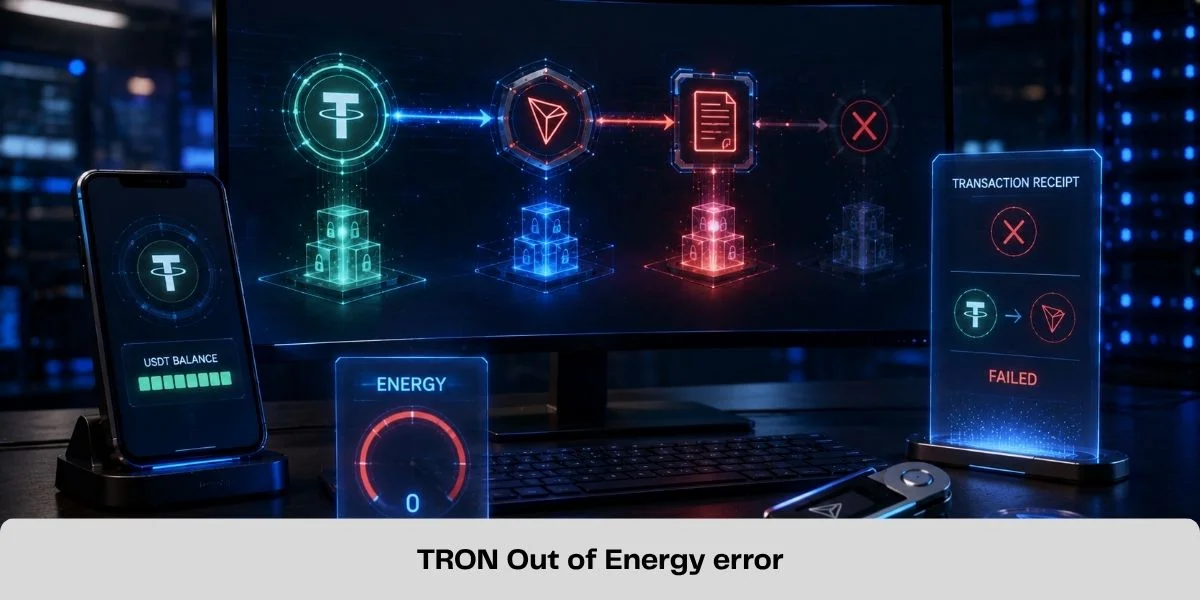
A TRON transaction marked FAILED - OUT OF ENERGY did not have enough computational resources to complete its smart-contract execution. This frequently occurs during TRC20 USDT transfers, but it can also affect token approvals, swaps and other contract interactions.
Do not immediately submit the same transaction again. If the resource conditions have not changed, a second attempt can fail and consume more Energy or TRX.
First verify the on-chain result, check that the USDT remains in the sending wallet and determine the resource shortfall.
Quick Fix for FAILED - OUT OF ENERGY
- Open the failed transaction on TronScan and confirm that the result is OUT_OF_ENERGY.
- Check the USDT balance and token-transfer record to confirm that the payment was not completed.
- Review the sending wallet's available Energy, Bandwidth and TRX balance.
- Obtain a current estimate for the same USDT transfer.
- Cover the shortfall with delegated Energy, staked Energy or sufficient TRX.
- Confirm the resources are available, review the recipient again and retry once.
If the next attempt fails despite sufficient resources, stop and inspect the new transaction receipt. Repeatedly broadcasting the same call is not a fix.
What Does Out of Energy Mean on TRON?
TRON uses two resources for transactions:
- Bandwidth measures the transaction data recorded on the network.
- Energy measures smart-contract computation performed by the TRON Virtual Machine.
A native TRX transfer mainly needs Bandwidth. Sending TRC20 USDT calls the USDT smart contract, so it requires both Bandwidth and Energy.
The network deducts available Energy while the contract executes. If the wallet does not have enough, TRX may be burned to cover the missing amount. The transaction can fail when the permitted resources are exhausted before execution finishes.
Energy consumption is not permanently fixed. Contract state, recipient conditions and TRON's dynamic Energy model can change the final requirement.
Did the Failed Transfer Remove Your USDT?
Usually, no. If the USDT contract did not complete successfully, the intended token transfer should not be finalized and the tokens normally remain in the sending address.
Confirm this on TronScan rather than relying only on the wallet notification:
- the transaction result shows failure;
- there is no successful USDT transfer event for the payment;
- the wallet still shows the expected USDT balance.
The failed attempt can still consume Energy or TRX. The network performed computation before execution stopped, and resources already used are not automatically refunded merely because the transfer failed.
Why USDT Transfers Run Out of Energy
1. The wallet had insufficient Energy and TRX
The sending account may have had no staked or delegated Energy, or only enough to cover part of the execution. If its TRX balance also cannot cover the remaining computation, the transaction can stop before completion.
2. The transaction's fee limit was too low
Smart-contract transactions include a fee limit that caps the Energy cost the caller is willing to cover. If the contract requires more than that limit permits, the call can fail even when the account appears to hold additional TRX.
Most users do not set this field manually; the wallet or application prepares it. Update the wallet and review its transaction estimate instead of continually adding funds.
3. The Energy estimate was stale or too exact
A previous transaction or an old blog table is not a guarantee. The recipient's current USDT balance and the contract's dynamic Energy factor can change the required amount.
Use the dedicated guide to check how much Energy a USDT transfer requires shortly before execution.
4. The transaction has another failure cause
Not every failed transaction is an Energy shortage. A contract revert, invalid permission, wrong contract address or application error needs a different response. Buying more Energy cannot repair an invalid transaction.
Read the exact result and contract message on TronScan before choosing a solution.
How to Diagnose the Error on TronScan
1. Confirm the transaction and result
Copy the transaction hash from the wallet and search for it on TronScan. Verify the sender, contract, recipient and timestamp, then check that the failure reason is actually OUT_OF_ENERGY.
2. Inspect the receipt
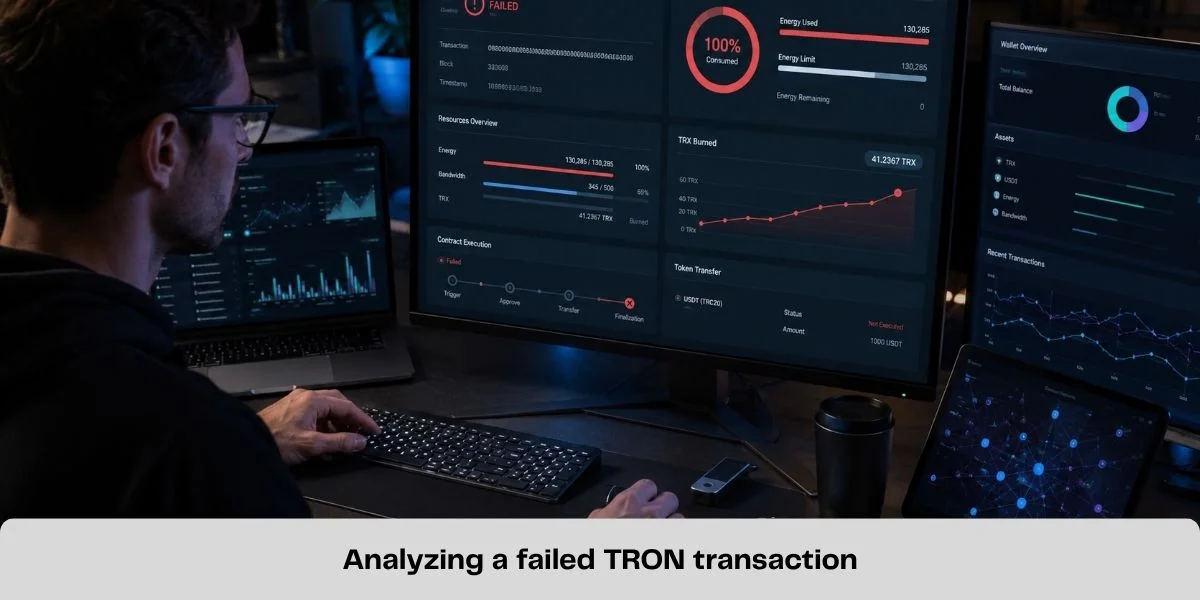
Review the displayed Energy usage, Energy penalty, Bandwidth usage, TRX burned and fee limit. These fields show whether the account lacked resources or whether another execution limit was involved.
3. Verify the token outcome and current resources
Check the USDT balance and token-transfer events, then inspect the sending account's current Energy, Bandwidth and TRX. The wallet that signs and sends the USDT needs the resource-not the recipient.
How to Fix the Error Safely
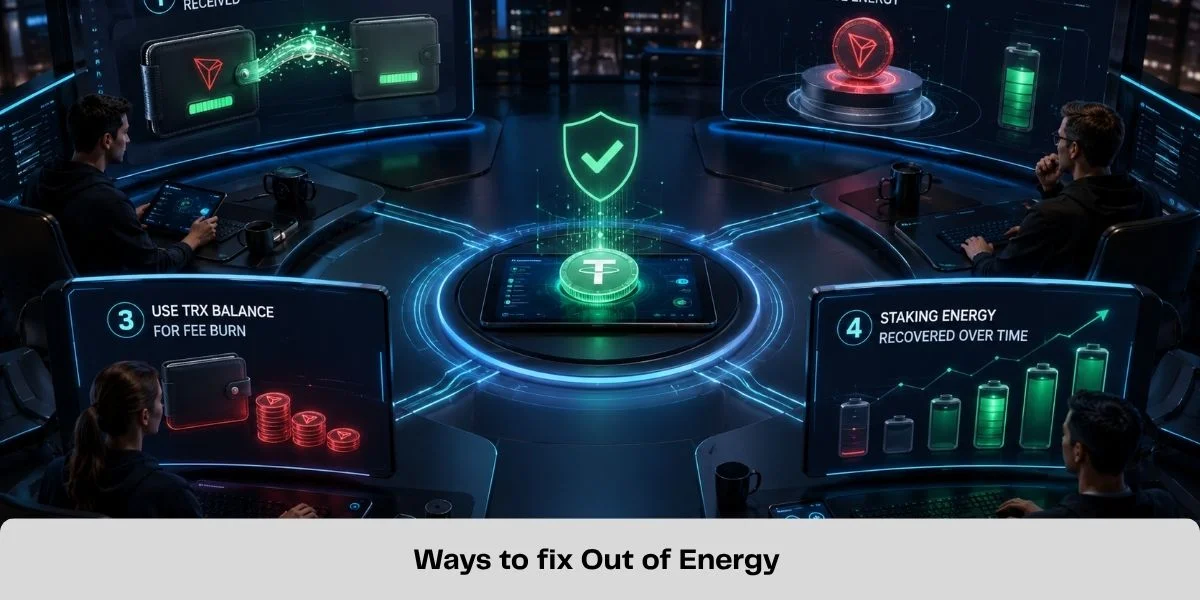
Option 1: Receive delegated or rented Energy
A provider that has staked TRX can delegate Energy to the public address that will send the transaction. Native delegation does not require the recipient's private key or recovery phrase.
This option may suit occasional users who do not want to maintain a large TRX stake. Review how TRON Energy rental works and use the Energy rental safety guide before using an unfamiliar provider.
Option 2: Stake TRX for Energy or wait for recovery
Users with recurring demand can stake TRX for Energy. If the account already has staked Energy that was recently consumed, waiting for it to recover may be sufficient when the transfer is not urgent.
Waiting does not fix an inadequate fee limit or an unrelated contract error.
Option 3: Hold enough TRX for the shortfall
When available Energy is insufficient, TRX can be burned for missing computation. Check the wallet's current estimate and leave an appropriate margin instead of relying on an old fixed fee.
Before You Retry the Transfer
Confirm all of the following:
- the first transaction failed and the USDT remains in the wallet;
- the TRON recipient and official USDT contract are correct;
- the Energy estimate is current;
- delegated, recovered or staked Energy is visible on the sending address;
- enough TRX is available for any intended fallback cost;
- the wallet's final resource and fee preview is acceptable.
Energy must be assigned to the account sending the USDT. Delegating it to the recipient or an exchange deposit address does not cover the sender's execution.
Never share a seed phrase or private key to receive Energy. A straightforward delegation also should not require an unrelated unlimited USDT approval or account-permission change.
Frequently Asked Questions
Did an Out of Energy transaction take my USDT?
Normally no. A failed contract execution usually leaves the USDT in the sending account, but the attempt can still consume Energy or TRX. Confirm the balance and receipt on TronScan.
Why was TRX charged when the transfer failed?
The network performed computation before the transaction stopped. Resources consumed during execution are not automatically refunded because the token transfer did not complete.
Can I retry immediately?
Not safely under unchanged conditions. First identify the exact error, cover the resource shortfall and review the address, contract and fee estimate.
Will renting Energy guarantee success?
No. Sufficient Energy fixes a resource shortage, but not an invalid signature, incorrect permission, wrong contract address or reverted contract.
Can a failed network fee be refunded?
Confirmed on-chain resource consumption is generally irreversible. A wallet, exchange or Energy provider cannot rewrite the transaction receipt.
Fix the Cause Before Sending Again
An Out of Energy message is a resource failure, not evidence that USDT disappeared. Verify the on-chain outcome, inspect the receipt, obtain a current estimate and cover the actual shortfall before retrying.
If delegated resources fit your transaction pattern, you can buy TRON Energy after checking the live amount, duration and price. Confirm that the Energy is visible on the sending address before broadcasting the USDT transfer.
Official Technical Sources
Related Guides
How to Send USDT on TRON Without TRX for Network Fees
Learn how to send USDT on TRON without burning TRX for network fees by using TRON Energy. Check the required Energy and reduce TRC20 transfer costs.
Best TRON Wallets for TRX, USDT and Energy Management
Compare five TRON wallets for TRX, USDT and Energy management: TronLink, SafePal, imToken, Trust Wallet and Ledger with TronLink.
How Much Energy Does a USDT Transfer Require on TRON?
A TRON USDT transfer commonly needs about 65,000 or 131,000 Energy. Learn what determines the amount and how to estimate your shortfall.
How to Delegate TRON Energy with Stake 2.0
Learn how TRON Stake 2.0 resource delegation works, which resources can be delegated, wallet requirements, lock periods and how to undelegate safely.